What do you need from the job first?
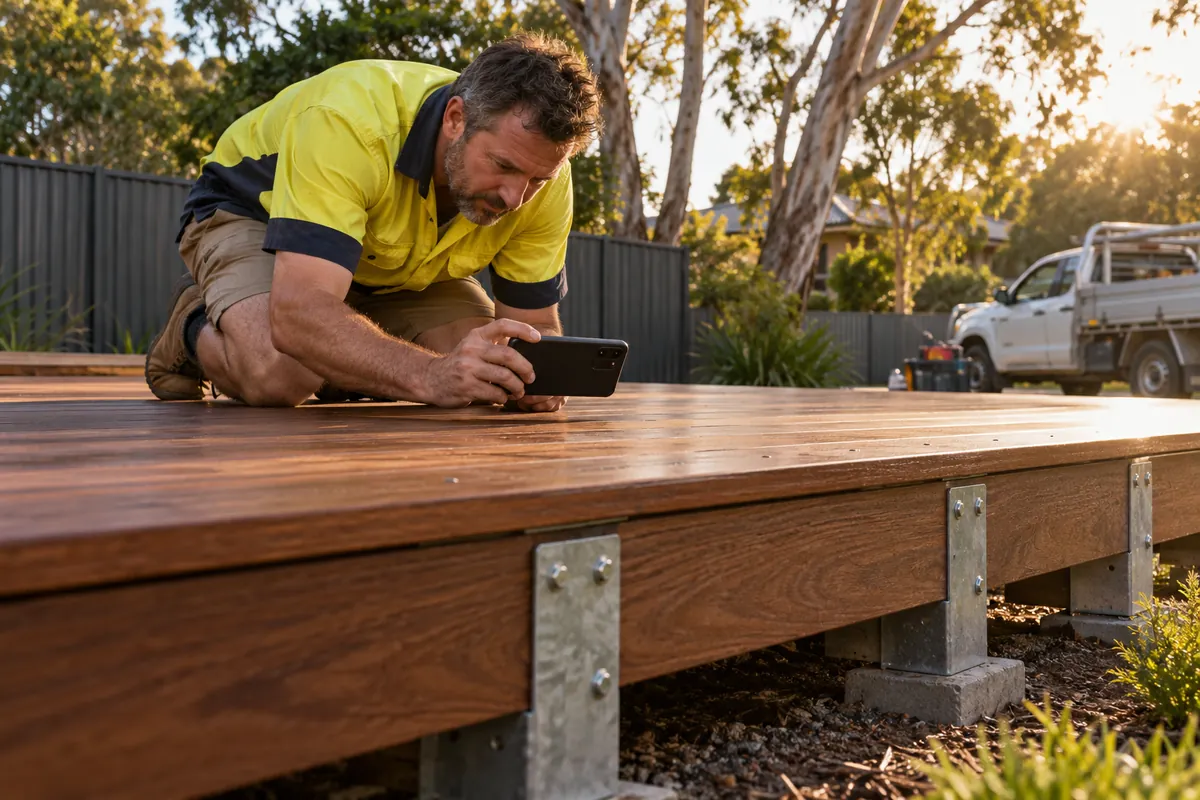
Collect the material while you are on site, because it is hard to get afterwards. Take three to six photos: before, during and after, plus one close-up of the part that took skill. Note the suburb, the scope in one sentence, any product or material used, and anything unusual about the job. Ask the customer whether you can post photos and whether they are happy for the suburb to be named. Leave out house numbers, number plates, faces and anything inside the home that identifies them. This set of facts is the only source for all four posts.
How do you write the core facts once?
Write a short fact sheet before any caption. Every post draws from it and adds nothing that is not on it. If a draft mentions a price, a timeframe you did not record, or a claim such as 'best in the east', it has added a fact nobody checked. Store the fact sheet with the photos, so the approver can compare each caption against it. Plain notes are enough, since its only job is to hold facts someone has checked.
Hypothetical example: deck rebuild in Ringwood. Old pine deck with rotted bearers removed. New hardwood boards on steel stirrups. Three days on site. The customer wanted a deck that would not need replacing again. Customer agreed to photos and to the suburb being named.
How should the Facebook post differ?
Facebook suits the fuller story for local customers and past clients. Write three or four sentences covering what the problem was, what you did and how it looks now, with three or four photos in the order the job happened. Name the suburb if the customer agreed. End with a plain next step, such as how to ask for a quote, and open the link yourself before approving. A Facebook caption can carry more detail than the other three, but put the point of the post in the first line, since that is what readers see first in a busy feed.
How should the Instagram post differ?
Instagram is photo-first, so lead with the strongest after shot and put the before shot later in a carousel. Instagram's help centre says photos are uploaded at up to 1080 pixels wide, that photos with an aspect ratio between 1.91:1 and 3:4 keep their resolution, and that photos with an unsupported ratio are cropped to fit. Crop deliberately to a supported ratio so the platform does not cut off the part that matters. Keep the caption shorter than on Facebook: the job in two sentences and the suburb. Add a few hashtags specific to the service and area.
What angle works on LinkedIn?
LinkedIn readers are often other businesses: builders, property managers, suppliers and people who might work for you. Instead of repeating the customer story, write about method or business. Why you now use steel stirrups on decks, how you schedule work around rain, or what an apprentice learnt on the job are all angles that suit the platform. LinkedIn allows up to 3,000 characters in a post, but a few short paragraphs with one photo are easier to approve and to read. If a piece needs headings and more length, LinkedIn articles allow up to 125,000 characters. Post from the company Page.
What goes on Google Business Profile?
The Business Profile post is the shortest and most practical: one photo, one or two sentences about the job and the suburb, and an action button linking to your quote or contact page. Do not type a phone number into the text, because Google may remove posts with contact details it cannot verify; a Call now button uses your verified number instead. Use the update post type, since this is recent work, not an offer or event. Google archives posts older than six months unless a date range is set, so treat this post as a record of recent work.
How do you schedule and approve the set?
Put the four drafts in one approval batch with the fact sheet and the photos, so the approver checks them together and can see that the facts match. Spread publication across the week instead of releasing all four within minutes. After publishing, log the job on your content calendar so the same photos are not reused by accident a month later. If one post needs a correction, check the other three for the same error at once.